
Contract intake forms: automate your request-to-draft workflow
Contract intake forms: automate your request-to-draft workflow
Contract intake forms: automate your request-to-draft workflow
Contract intake forms: automate your request-to-draft workflow
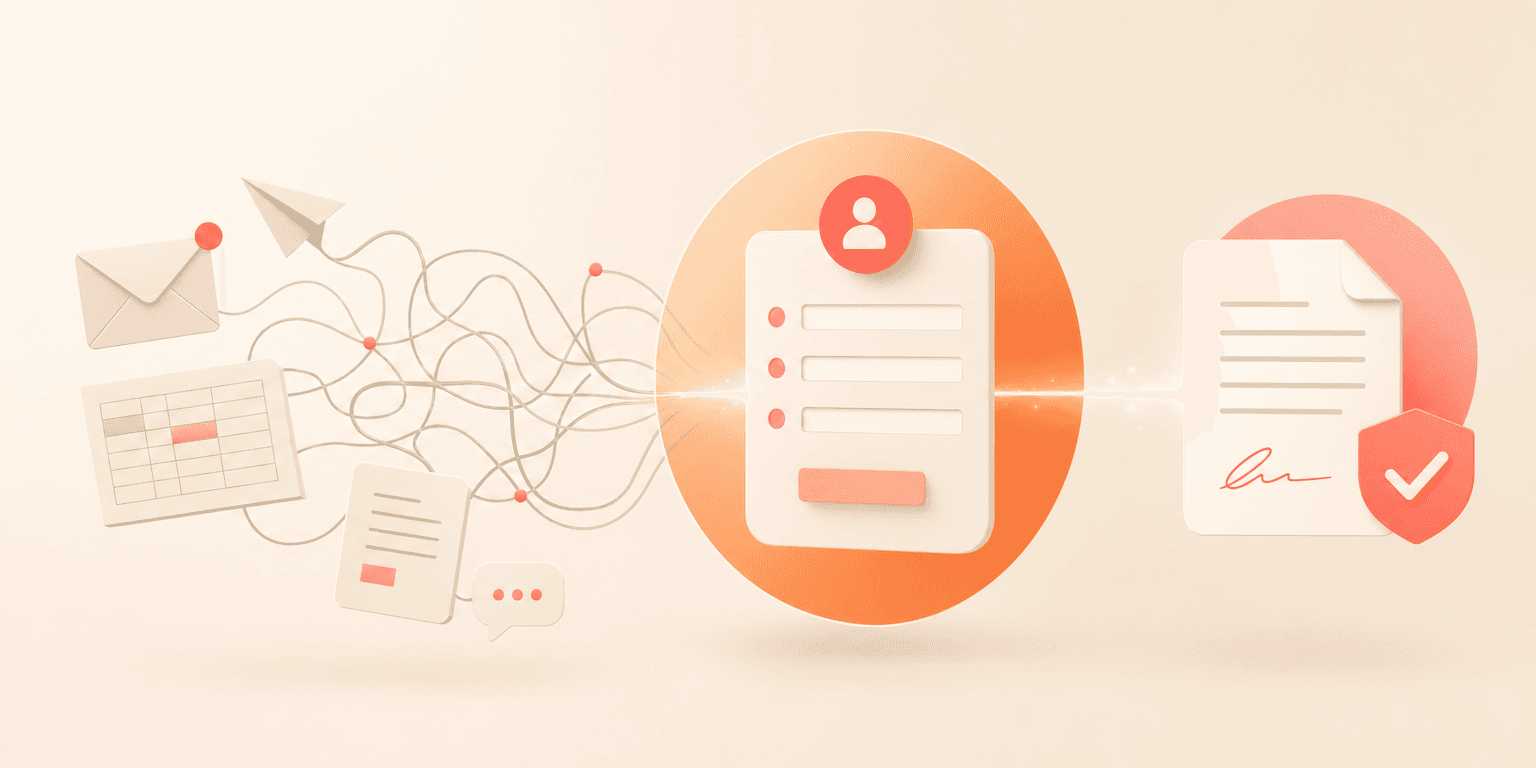
Most legal teams know the pain. A contract request arrives via email, gets copied into a spreadsheet, bounces between three people, and finally lands on the right desk two days later. The contract intake form should be the fix for this, but too many organizations still rely on fillable PDFs, shared inboxes, and ad hoc processes that create bottlenecks before drafting even begins.
According to a World Commerce & Contracting report, poor contract management costs organizations an average of 9.2 percent of their annual revenue. A significant portion of that waste starts at the very first step: intake. If your request process is broken, everything downstream suffers.
This post covers what a well-designed contract intake form can do for your team today, where real gaps still exist, and how to set up your intake process so it actually connects to drafting, approvals, and execution.
Why your current contract intake form process is probably broken
If your team relies on email, PDFs, or SharePoint lists to collect contract requests, you are not alone. According to a 2024 Deloitte Legal Department survey, 56 percent of in-house legal teams still manage contract requests through email or manual tracking tools.
The problems with this approach are well-documented. Requests arrive with missing information. Versions of the intake form keep changing. Nobody knows where a request stands once it has been submitted.
One general counsel at a healthcare organization described it plainly during a recent evaluation: their fillable PDF intake form had been revised 15 different times in a single year, and the process still involved "a lot of bouncing, a lot of printing" before anyone could start working on the actual contract.
Another prospect described a SharePoint-based intake system where "the automation ends when it alerts us that we've got the contract. And then from then it becomes entirely manual again." Status updates, routing, and reporting all had to be done by hand.
This is what you might call the "automation cliff." Your intake collects data, but nothing happens with it automatically. According to Gartner's 2024 Legal Technology Survey, only 28 percent of corporate legal departments have connected their intake process to downstream contract generation. The rest face a manual gap between request and draft.
What a connected contract intake form actually does
A properly configured contract intake form does more than collect information. It connects the request to your templates, populates fields automatically, and routes the draft to the right person.
Here is what that looks like in practice. A business user fills out an intake form specifying the contract type, counterparty details, key dates, and financial terms. Upon submission, the system assigns the request to the right legal team member based on contract category. When the assignee accepts the request, a draft document is generated from a pre-built template with all submitted data already populated.
We heard in one conversation: "It just created this document for me, which is based on a template. And this one does have the fields that were filled in. So, it's ready to go. The fields have now been filled in. And this could have an approval workflow built on it already."
A Head of Legal told us: "With Concord, projects that used to take two weeks to do manually can now be done in a single afternoon."
Five best practices for contract intake form design
1\. Create separate forms for separate use cases
A common mistake is building one massive intake form that tries to handle every scenario. Consider separating your forms by use case. As one general counsel explained, "One's a contract intake form where I'm intaking a contract that they've received from a contractor. The other one is a contract request form. They're requesting that I write a contract for them."
Different request types need different questions. An NDA intake needs far less information than a vendor services agreement. Splitting forms reduces friction for requesters and gives your team cleaner data. You can learn more about structuring your contract types in our guide to contract templates.
2\. Name your fields with extreme care
One of the most common pitfalls after going live is poor field labeling. A customer at a logistics company described the problem: "They all say template field. They don't show the title of what that field is. Like template field date. What on earth is this date? Well, one of them is the submission date. One of them is the requested completion date."
Map every intake form field to a clearly labeled template field before launch. Your future self will thank you.
3\. Decide whether to build inside or outside your CLM
You do not have to build every intake form inside your contract management platform. Some teams prefer using Google Forms or Microsoft Forms for external-facing requests, then connecting them to their CLM through integrations. This can be especially useful when requesters are outside your organization, such as vendors or subcontractors. One telecom network company onboarded 250 subcontractors in a single month using this approach.
Explore your integration options in our guide to CLM integrations.
4\. Allow free viewer access for requesters
Adoption is the biggest risk with any intake form. If every person who submits a request needs a paid license, your form will not get used. Look for platforms that offer unlimited viewer seats so that business users across your organization can submit requests without adding cost. The easier you make it to submit, the less likely people are to route around the system with email.
5\. Adapt to your existing workflow
The best intake setup is one your team will actually use. One Director of Pricing put it this way: "The best part about Concord is it's so flexible. So we didn't have to go through a huge change in process."
Your intake forms should match how your team already works, not force a new process on day one. For guidance on mapping your current workflow, see our guide to contract approval workflows.
Conditional logic in intake forms
If you are evaluating CLM platforms for intake, you should know that conditional logic capabilities vary widely across vendors. Concord's Template Fields Configuration allows teams to customize and enable or disable specific fields per intake form, tailoring what requesters see based on the form type. For teams that need deeper branching logic — such as "if the requester selects Vendor Agreement, show fields A, B, and C" — many teams solve this by creating separate intake forms per contract type, each with its own field set.
At the approval workflow level, conditional rules are fully supported. You can configure rules such as "if contract value exceeds $50,000, add VP approval" on your document templates. This means the downstream workflow is dynamic even when the intake form itself is straightforward.
AI-powered intake and extraction
AI-powered data extraction is not a future capability — it is already built into Concord today. AI extraction pulls key terms from uploaded contracts, including parties, dates, and financial figures, with high accuracy.
One purchasing manager described his experience: "I just click the button and the AI pulls all the key terms out of the contract."
This is especially relevant for intake scenarios where a user uploads a third-party contract rather than requesting a new draft. Instead of manually entering every detail, AI extraction pre-fills metadata fields, reducing intake time from minutes to seconds.
Concord also supports custom AI extraction — teams can define their own fields and write custom prompts for the AI to identify specific data points. Before deploying custom properties organization-wide, users can test extraction accuracy across multiple contracts to refine their rules. This is not an emerging capability. It is available today in every Concord plan.
Frequently asked questions
What is the difference between a contract intake form and a contract request form?
A contract intake form typically captures information about an existing contract that has been received from an external party and needs review. A contract request form is used when someone inside your organization needs a new contract drafted. Many teams benefit from creating separate forms for each scenario, with different fields and routing rules. Both feed into the same request-to-draft workflow.
How long does it take to set up contract intake forms in a CLM platform?
Most teams can have intake forms configured and live within one to two weeks. The setup involves defining your fields, linking them to contract templates, and configuring assignment rules. The heavier lift is usually internal: deciding what information you need from requesters, getting stakeholder buy-in, and training business users on the new submission process.
Start fixing your intake process today
Your contract intake form is the front door to your entire contract lifecycle. A broken front door means lost time, missing information, and frustrated requesters. A well-designed one means faster drafting, fewer errors, and a legal team that spends less time chasing information.
If you are ready to move past email and spreadsheets, request a demo of Concord and see how intake automation connects to your full contract workflow.
Most legal teams know the pain. A contract request arrives via email, gets copied into a spreadsheet, bounces between three people, and finally lands on the right desk two days later. The contract intake form should be the fix for this, but too many organizations still rely on fillable PDFs, shared inboxes, and ad hoc processes that create bottlenecks before drafting even begins.
According to a World Commerce & Contracting report, poor contract management costs organizations an average of 9.2 percent of their annual revenue. A significant portion of that waste starts at the very first step: intake. If your request process is broken, everything downstream suffers.
This post covers what a well-designed contract intake form can do for your team today, where real gaps still exist, and how to set up your intake process so it actually connects to drafting, approvals, and execution.
Why your current contract intake form process is probably broken
If your team relies on email, PDFs, or SharePoint lists to collect contract requests, you are not alone. According to a 2024 Deloitte Legal Department survey, 56 percent of in-house legal teams still manage contract requests through email or manual tracking tools.
The problems with this approach are well-documented. Requests arrive with missing information. Versions of the intake form keep changing. Nobody knows where a request stands once it has been submitted.
One general counsel at a healthcare organization described it plainly during a recent evaluation: their fillable PDF intake form had been revised 15 different times in a single year, and the process still involved "a lot of bouncing, a lot of printing" before anyone could start working on the actual contract.
Another prospect described a SharePoint-based intake system where "the automation ends when it alerts us that we've got the contract. And then from then it becomes entirely manual again." Status updates, routing, and reporting all had to be done by hand.
This is what you might call the "automation cliff." Your intake collects data, but nothing happens with it automatically. According to Gartner's 2024 Legal Technology Survey, only 28 percent of corporate legal departments have connected their intake process to downstream contract generation. The rest face a manual gap between request and draft.
What a connected contract intake form actually does
A properly configured contract intake form does more than collect information. It connects the request to your templates, populates fields automatically, and routes the draft to the right person.
Here is what that looks like in practice. A business user fills out an intake form specifying the contract type, counterparty details, key dates, and financial terms. Upon submission, the system assigns the request to the right legal team member based on contract category. When the assignee accepts the request, a draft document is generated from a pre-built template with all submitted data already populated.
We heard in one conversation: "It just created this document for me, which is based on a template. And this one does have the fields that were filled in. So, it's ready to go. The fields have now been filled in. And this could have an approval workflow built on it already."
A Head of Legal told us: "With Concord, projects that used to take two weeks to do manually can now be done in a single afternoon."
Five best practices for contract intake form design
1\. Create separate forms for separate use cases
A common mistake is building one massive intake form that tries to handle every scenario. Consider separating your forms by use case. As one general counsel explained, "One's a contract intake form where I'm intaking a contract that they've received from a contractor. The other one is a contract request form. They're requesting that I write a contract for them."
Different request types need different questions. An NDA intake needs far less information than a vendor services agreement. Splitting forms reduces friction for requesters and gives your team cleaner data. You can learn more about structuring your contract types in our guide to contract templates.
2\. Name your fields with extreme care
One of the most common pitfalls after going live is poor field labeling. A customer at a logistics company described the problem: "They all say template field. They don't show the title of what that field is. Like template field date. What on earth is this date? Well, one of them is the submission date. One of them is the requested completion date."
Map every intake form field to a clearly labeled template field before launch. Your future self will thank you.
3\. Decide whether to build inside or outside your CLM
You do not have to build every intake form inside your contract management platform. Some teams prefer using Google Forms or Microsoft Forms for external-facing requests, then connecting them to their CLM through integrations. This can be especially useful when requesters are outside your organization, such as vendors or subcontractors. One telecom network company onboarded 250 subcontractors in a single month using this approach.
Explore your integration options in our guide to CLM integrations.
4\. Allow free viewer access for requesters
Adoption is the biggest risk with any intake form. If every person who submits a request needs a paid license, your form will not get used. Look for platforms that offer unlimited viewer seats so that business users across your organization can submit requests without adding cost. The easier you make it to submit, the less likely people are to route around the system with email.
5\. Adapt to your existing workflow
The best intake setup is one your team will actually use. One Director of Pricing put it this way: "The best part about Concord is it's so flexible. So we didn't have to go through a huge change in process."
Your intake forms should match how your team already works, not force a new process on day one. For guidance on mapping your current workflow, see our guide to contract approval workflows.
Conditional logic in intake forms
If you are evaluating CLM platforms for intake, you should know that conditional logic capabilities vary widely across vendors. Concord's Template Fields Configuration allows teams to customize and enable or disable specific fields per intake form, tailoring what requesters see based on the form type. For teams that need deeper branching logic — such as "if the requester selects Vendor Agreement, show fields A, B, and C" — many teams solve this by creating separate intake forms per contract type, each with its own field set.
At the approval workflow level, conditional rules are fully supported. You can configure rules such as "if contract value exceeds $50,000, add VP approval" on your document templates. This means the downstream workflow is dynamic even when the intake form itself is straightforward.
AI-powered intake and extraction
AI-powered data extraction is not a future capability — it is already built into Concord today. AI extraction pulls key terms from uploaded contracts, including parties, dates, and financial figures, with high accuracy.
One purchasing manager described his experience: "I just click the button and the AI pulls all the key terms out of the contract."
This is especially relevant for intake scenarios where a user uploads a third-party contract rather than requesting a new draft. Instead of manually entering every detail, AI extraction pre-fills metadata fields, reducing intake time from minutes to seconds.
Concord also supports custom AI extraction — teams can define their own fields and write custom prompts for the AI to identify specific data points. Before deploying custom properties organization-wide, users can test extraction accuracy across multiple contracts to refine their rules. This is not an emerging capability. It is available today in every Concord plan.
Frequently asked questions
What is the difference between a contract intake form and a contract request form?
A contract intake form typically captures information about an existing contract that has been received from an external party and needs review. A contract request form is used when someone inside your organization needs a new contract drafted. Many teams benefit from creating separate forms for each scenario, with different fields and routing rules. Both feed into the same request-to-draft workflow.
How long does it take to set up contract intake forms in a CLM platform?
Most teams can have intake forms configured and live within one to two weeks. The setup involves defining your fields, linking them to contract templates, and configuring assignment rules. The heavier lift is usually internal: deciding what information you need from requesters, getting stakeholder buy-in, and training business users on the new submission process.
Start fixing your intake process today
Your contract intake form is the front door to your entire contract lifecycle. A broken front door means lost time, missing information, and frustrated requesters. A well-designed one means faster drafting, fewer errors, and a legal team that spends less time chasing information.
If you are ready to move past email and spreadsheets, request a demo of Concord and see how intake automation connects to your full contract workflow.


Take the "management" out
of contract management.
Customer Support
Legal
Compare
Resources
Customer Support
Company
Legal
Compare
Resources
Customer Support
Company
Legal
Compare
© 2025 Concord. All rights reserved.

